Showing posts with label glaze. Show all posts

Thursday, October 09, 2014

October 2014 Desktop Calendar

October 2014 desktop calendar 
Week three watercolour class - This is a tree I sketched from a photo, then painted with watercolours. We had to look at the photograph and decide on one primary colour and then use the complementary colour as the accent. 

For the desktop calendar, I scanned the painting into my iPad and reworked it in a series of painting apps. 

Thursday, September 04, 2014

September 2014

2014 September desktop calendar
September is one on those in-between months where it's not quite summer anymore and not quite Fall yet. It's time to start looking at cozy sweaters without worrying about heat exhaustion. It was a really warm summer. The plus side is that our garden loved the heat...especially the tomatoes.

Tomatoes are at the end now, time to harvest what's left in the garden.

Painted in Sketchclub, Procreate, & Glaze on the iPad.


Friday, August 01, 2014

August 2014

August 2014 desktop calendar 
It's August and the year is more than halfway over. Hubby has another two months to his retirement and I have another two years to go.

As a kid, August was a time of laziness for me. It was ok to lie on the cool grass for hours at a time and do nothing but watch the clouds go by. August was endless.

As an adult, August goes by way too fast. August is the other side of the year. The days feel shorter now.  There always seems to be so much to do and so very little time to do everything. A two week vacation is gone in a blink of an eye. I feel like I'm running out of time.

August 2014 was done in Procreate, filters created in Glaze, with everything imported to Sketchclub to combine and final editing. Calendar insert is from here.

Monday, March 10, 2014

...in a corner.

...in a corner.
...in a corner brings to mind the old saying "painting yourself into a corner." Getting yourself into situation with no or very limited options. Sometimes you just have to bite the bullet and walk out onto the wet floor and hope for the best.

For this picture, this was meant to be a twist on the saying. The photo was taken of a favourite corner of our house. The photo was then edited on the iPad using several filter apps.  I wanted the painted effect and the splatters to say yes, I painted that corner...I'm in control...good or bad.

Sunday, March 09, 2014

Fly

Fly
I'm not sure if this collage will make any sense. It's a head, lying on the walkway, looking wistfully up through the trees at the sky. This was for a Photo a Day challenge.

No real heads were harmed in the making of this picture. The head was cropped from another photo with the photo of trees overlaid on top then put through several filters.  The photo of the walkway was put through an app called Glaze, then through iColorama to highlight the colours and set as the background. All the pieces and the drop shadow effects were put together in Sketchclub.

Wednesday, March 05, 2014

A little lost...

A little lost...


I was feeling a little lost yesterday...dealing with a relatively new boss, new ideas, changes.  Different style of management - not in a bad way but just different.  It's been over six months now and I thought I would "get with the program" but I'm not finding it easy to understand.  I don't know why I should care so much...work is not my life.  Or at least, it shouldn't be...

Life is treating me well and I have a lot to be thankful for.  It's just that I get a little lost sometimes.

 Apps used - Paper by 53 then Glaze.


Wednesday, January 01, 2014

Happy New Year - January 2014

January 2014
It really felt like 2013 just whooshed by so fast. I'm really looking forward to 2014. I have a good feeling about this upcoming year. I'm optimistic that it's going to be a good year.

Things haven't changed much at work but I've changed. I think it's really finally sunk into my brain that it is what it is and I have a life to live. I think 2013 was my wake-up call.

I'm not calling these my New Year's resolutions but more like a To-Do list for 2014.

1. Creative everyday - it doesn't have to be a finished piece of work, just anything - a couple rows of knitting, bake some cookies, doodle during a meeting.

2. Make sourdough - make a sourdough starter and keep it going for at least a few months.

3. Bake more - hmm...that means I have to eat more baked goods.

4.  Go out for a walk at lunch everyday for at least 10 minutes - rain or shine.

5. Focus more on the good than the bad.

6. Knit at least two projects using Continental knitting.

I'll probably add to this list as I think of more things.

Pithy details on the calendar - original photo was taken one very foggy morning. Apps used - Glaze, Sketchclub, Snapseed, Artrage.


Wednesday, July 17, 2013

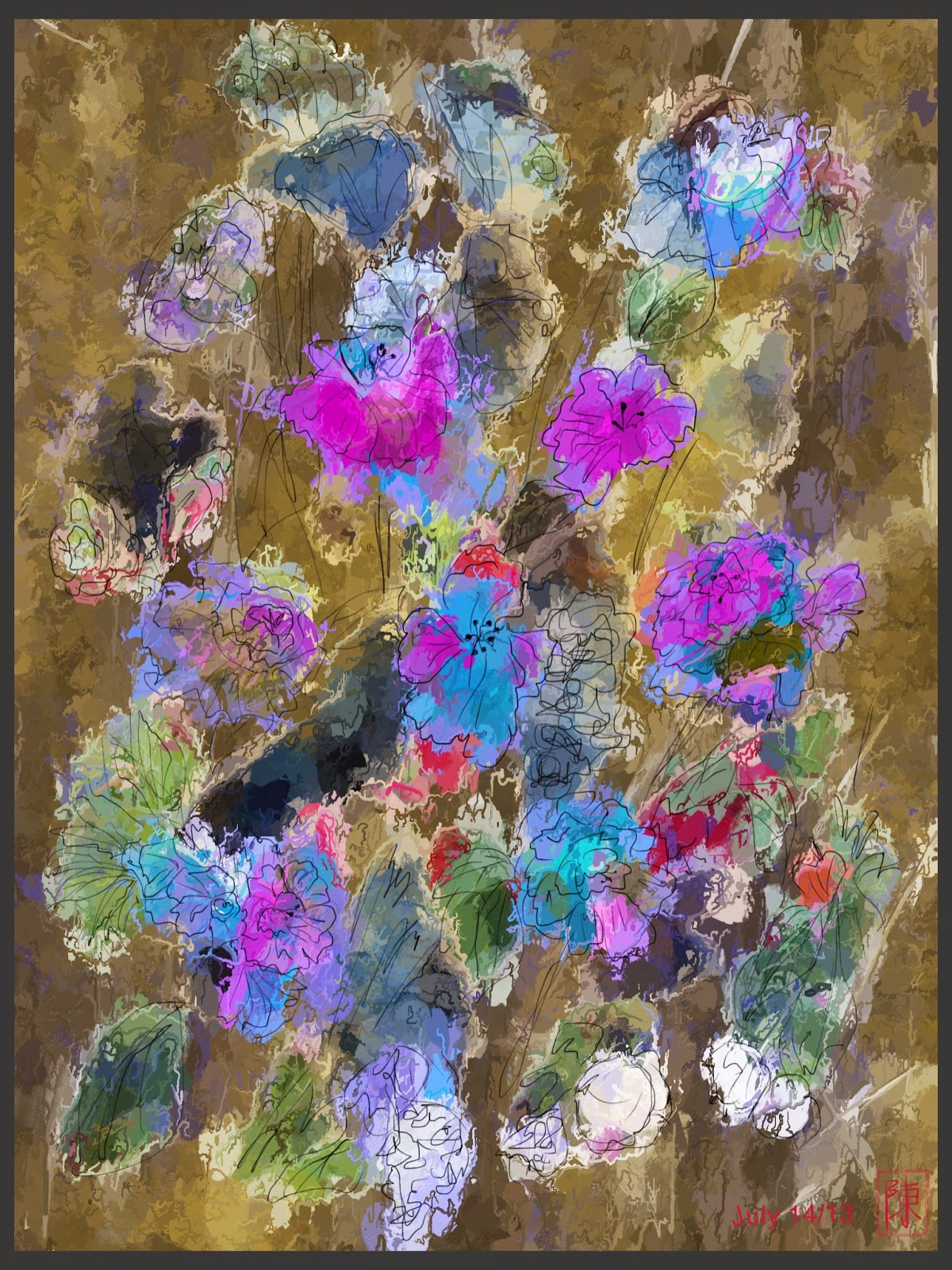
Flower arrangement

Flower arrangement
This started as a digital collage in Sketchclub, using some of the soft edge brushes to make jagged shapes to simulate ripped paper.

1.  Load base drawing/photo.
2. Create a new layer on top and fill with a colour you want your "paper" edge to be.
3. Using a soft edge brush, set it on erase and create random shapes.
4. Merge top layer to photo.
5. Select fill and set to erase.
6. Erase colour, leaving shapes.
7. In Sketchclub, how much of a "paper" edge remains depend on how sensitive you set your fill function.

Once I created several sheets of shapes, I imported them into Procreate. Procreate now has a selection tool so you can select specific shapes. You can cut & paste and move the shapes where ever you want.

The picture was then imported to the Glaze app for a painterly effect but this could be easily achieved in Procreate or Sketchclub using Smudge.

Picture was then imported back to Sketchclub for the pen sketch.